Dark PC Wallpapers — Page 6
Your desktop is not a filing cabinet. It is a room. And every room needs a window that looks somewhere else. PC wallpapers from Haunted Wallpapers are rendered in full 4K resolution — wide enough for ultrawide monitors, sharp enough for retina displays, dark enough for every late night. No crops. No compression. Just the image you chose staring back from your screen.
How to set on Windows: Download the image to your computer. Right-click anywhere on the desktop. Select "Personalize." Click "Background." Under "Choose your picture," browse to the downloaded file. Select it. Close the window. The wallpaper settles in. Do not check if it moved.
How to set on Mac: Download the image. Right-click the file and select "Set Desktop Picture." Or open System Settings, click "Wallpaper," drag the image into the collection, then select it. The wallpaper loads. Look away. Look back. Some details change when you are not watching.
Both methods. No account. No email. Just 4K silence for your workspace. Pick your obsession. Set it. Forget it was a download.
New to customizing?
Read our guide →
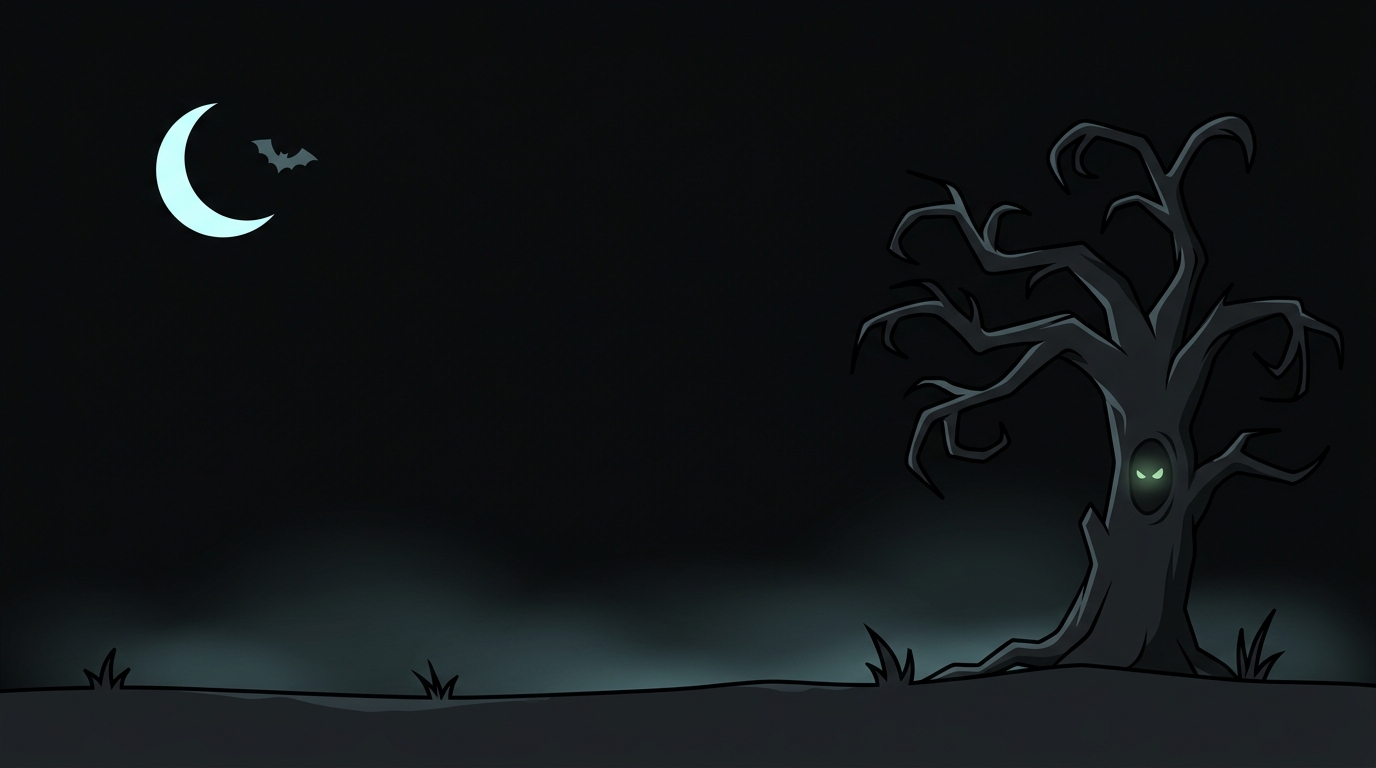
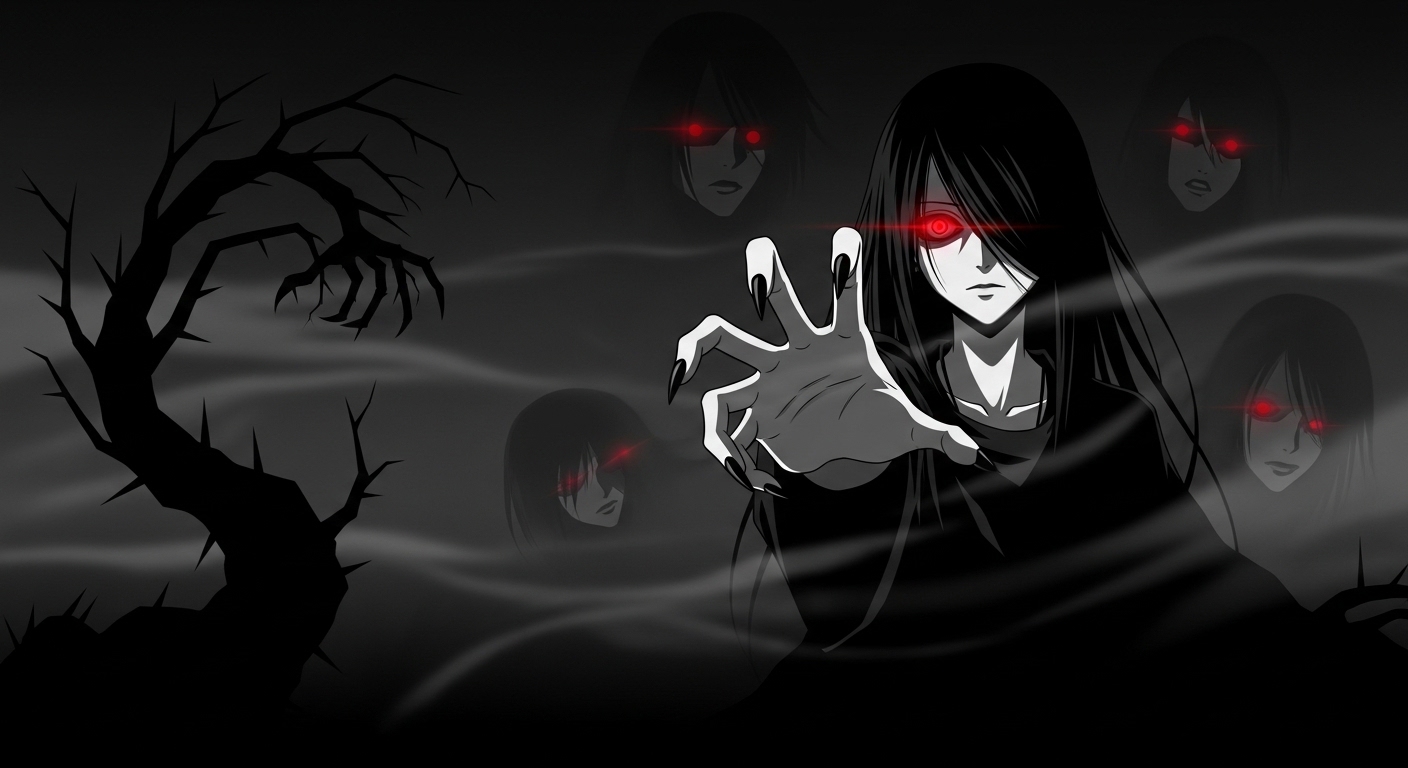
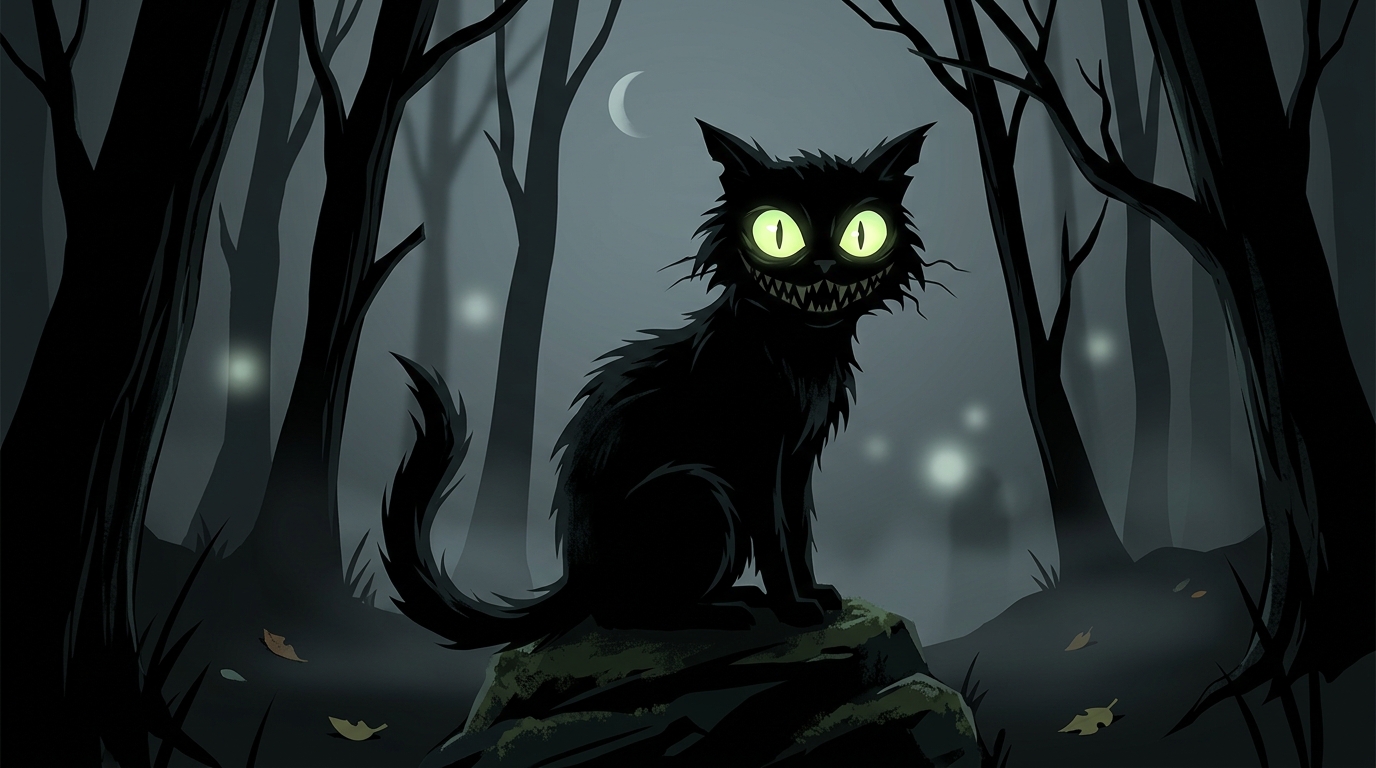
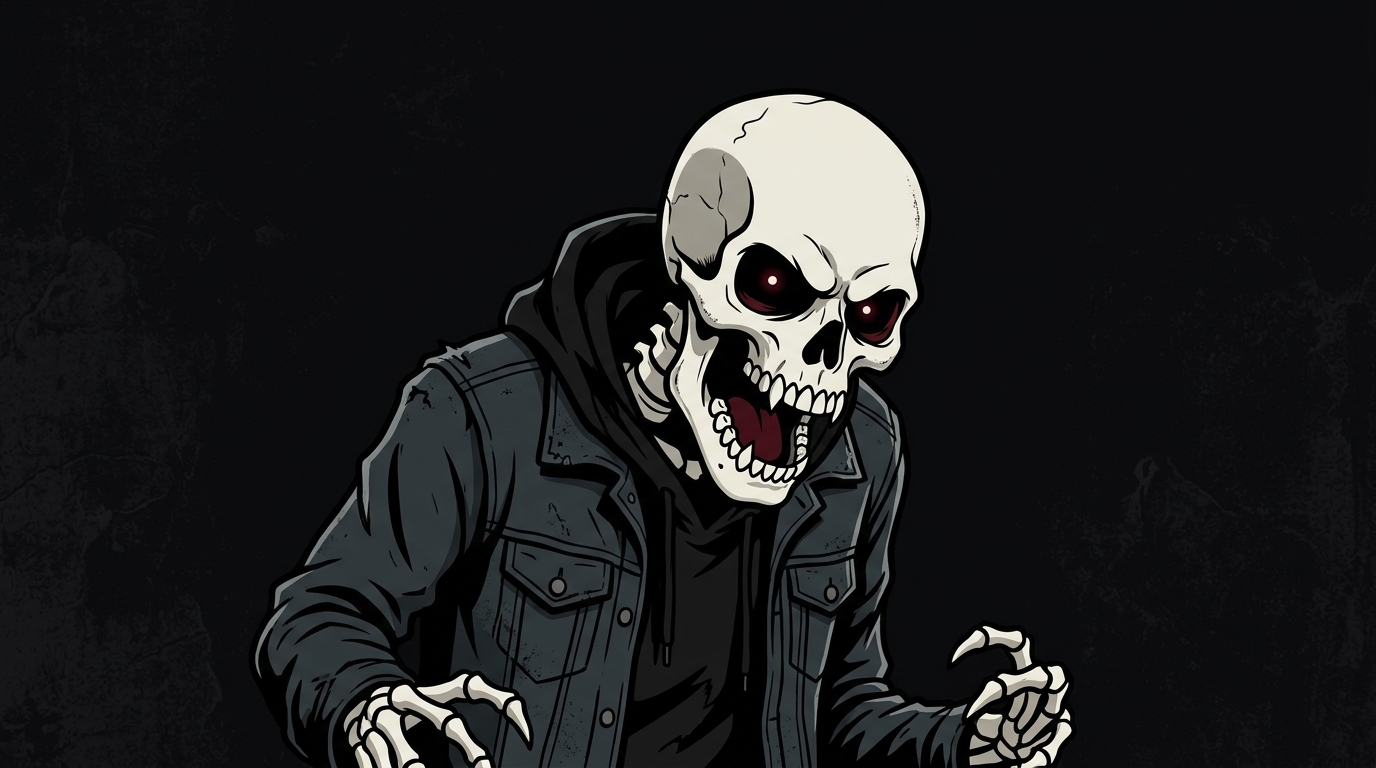
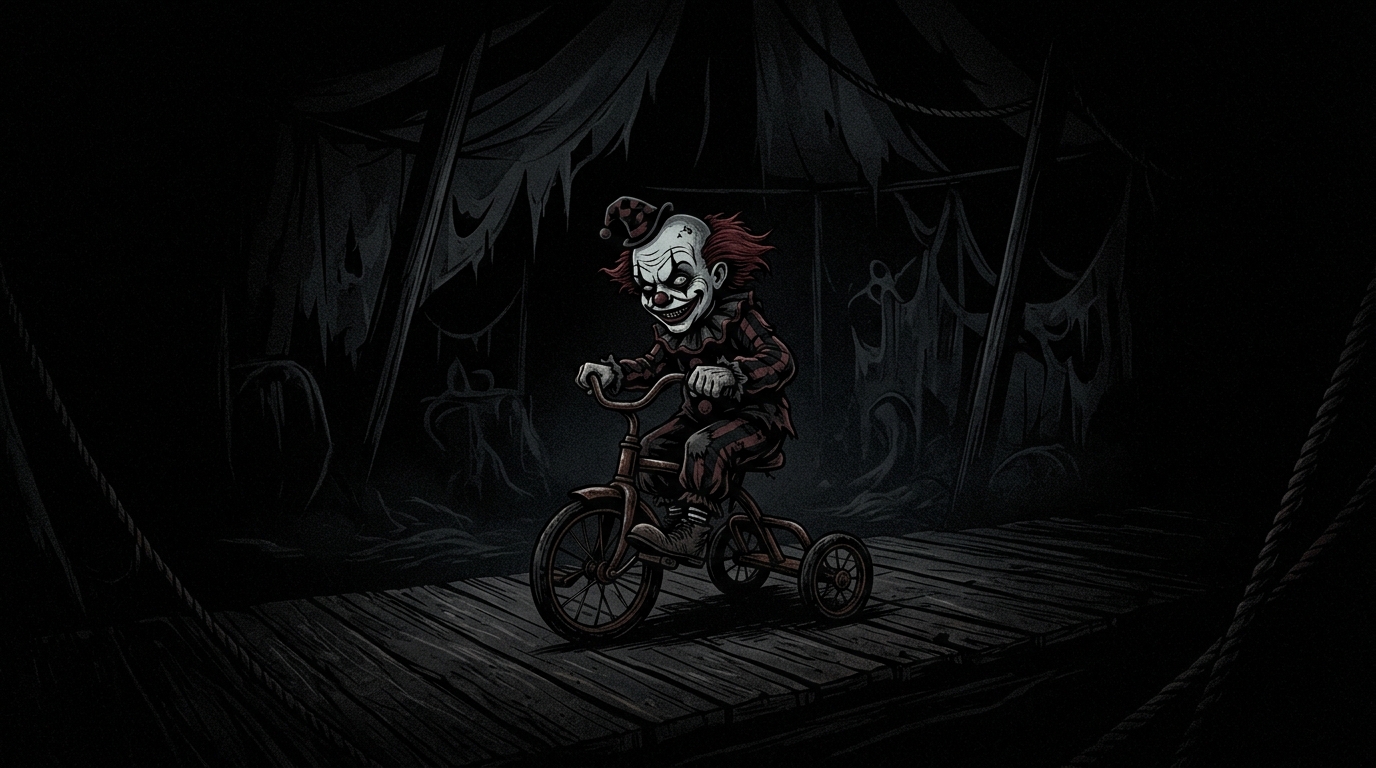
— 121 wallpapers · page 6 of 6
