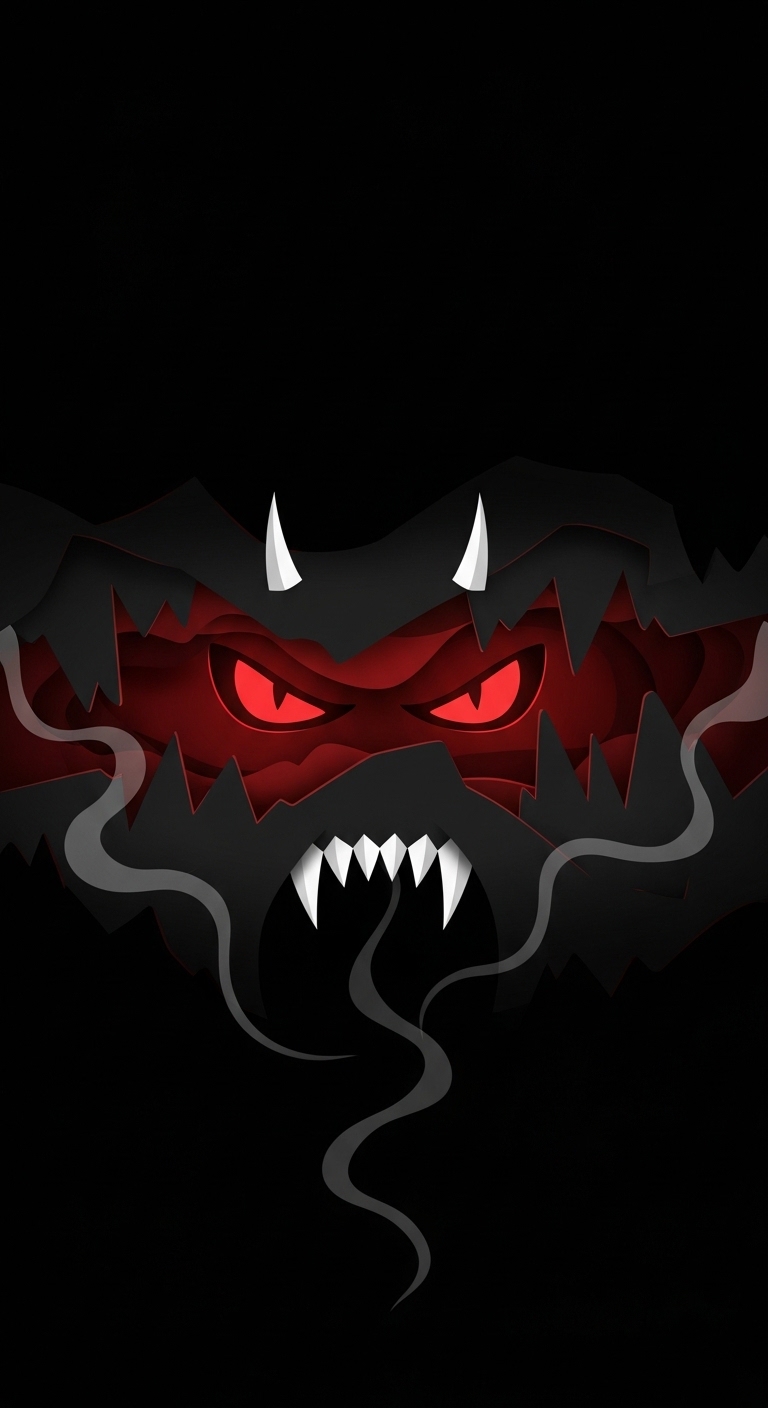
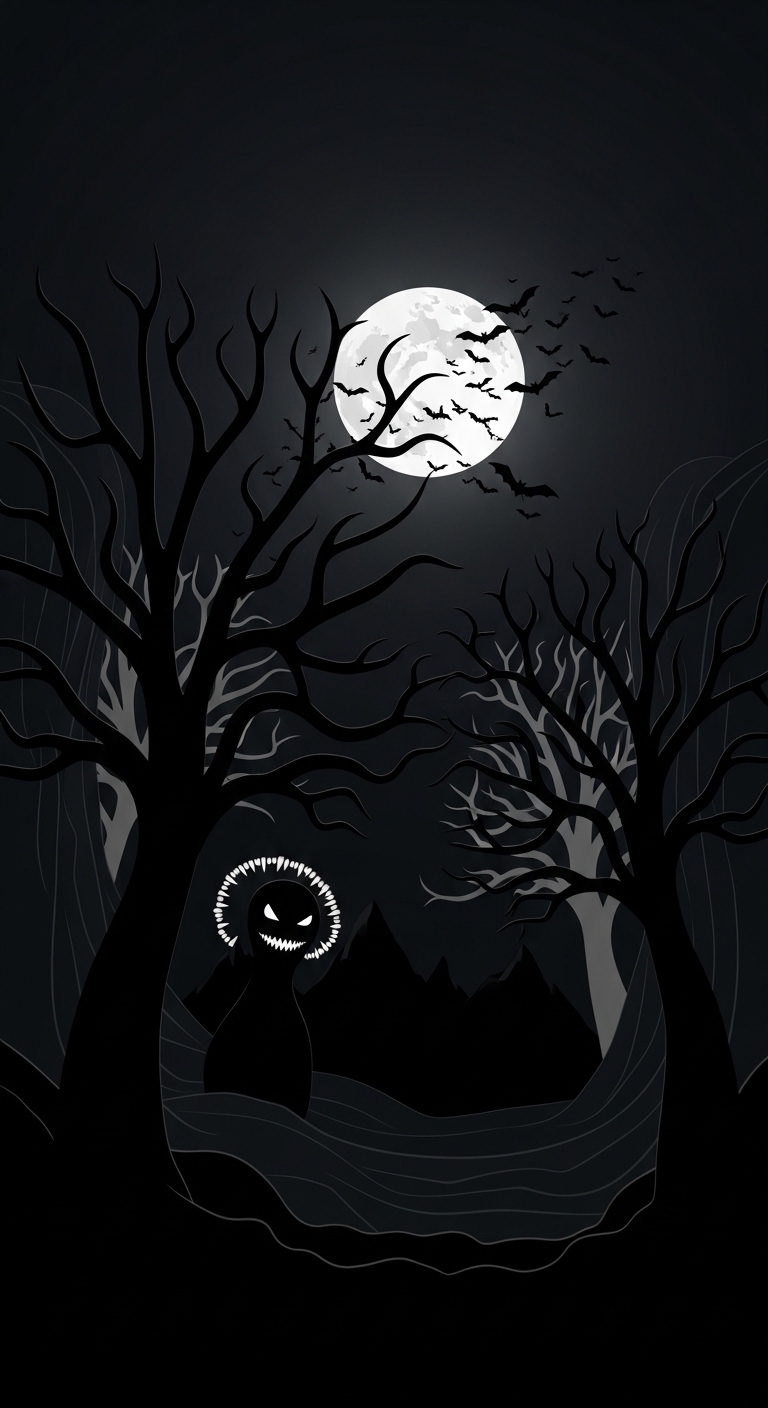
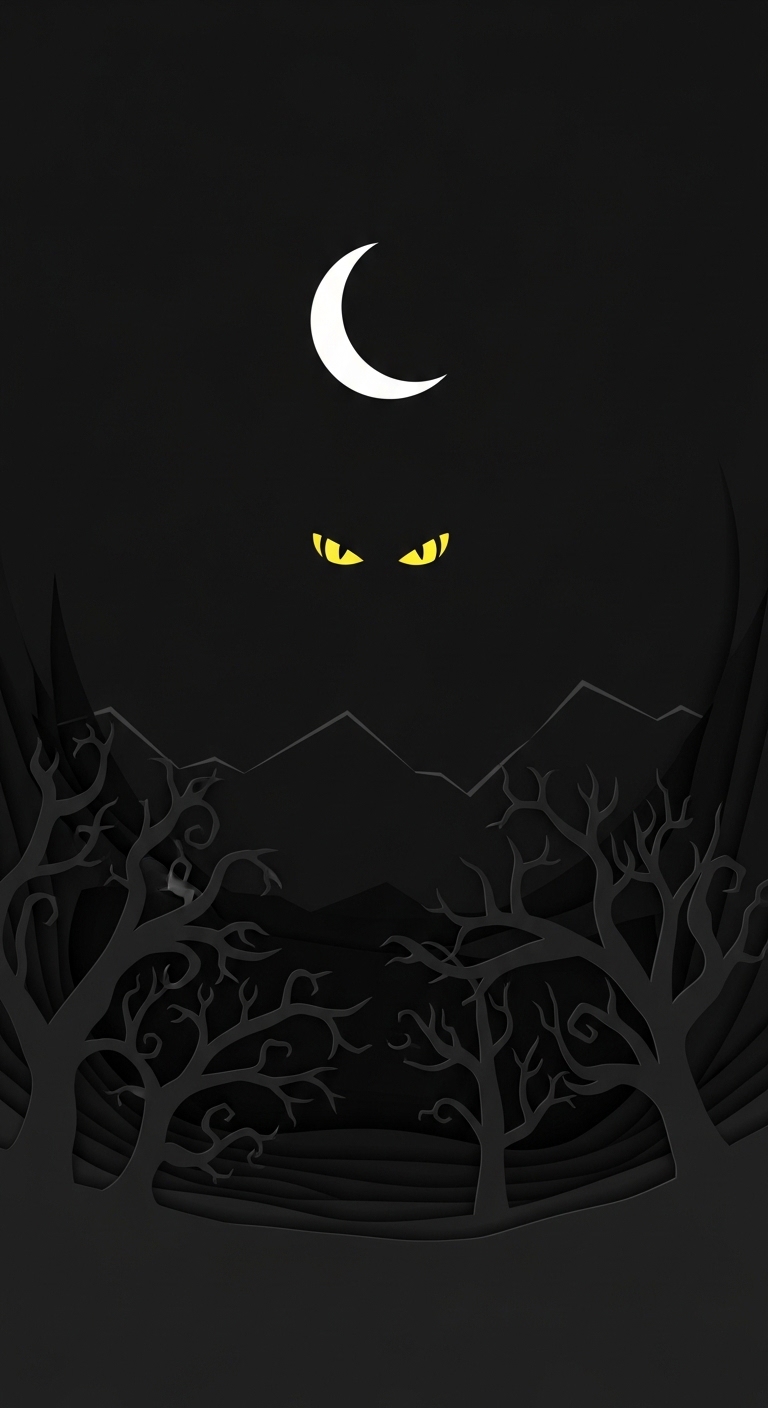
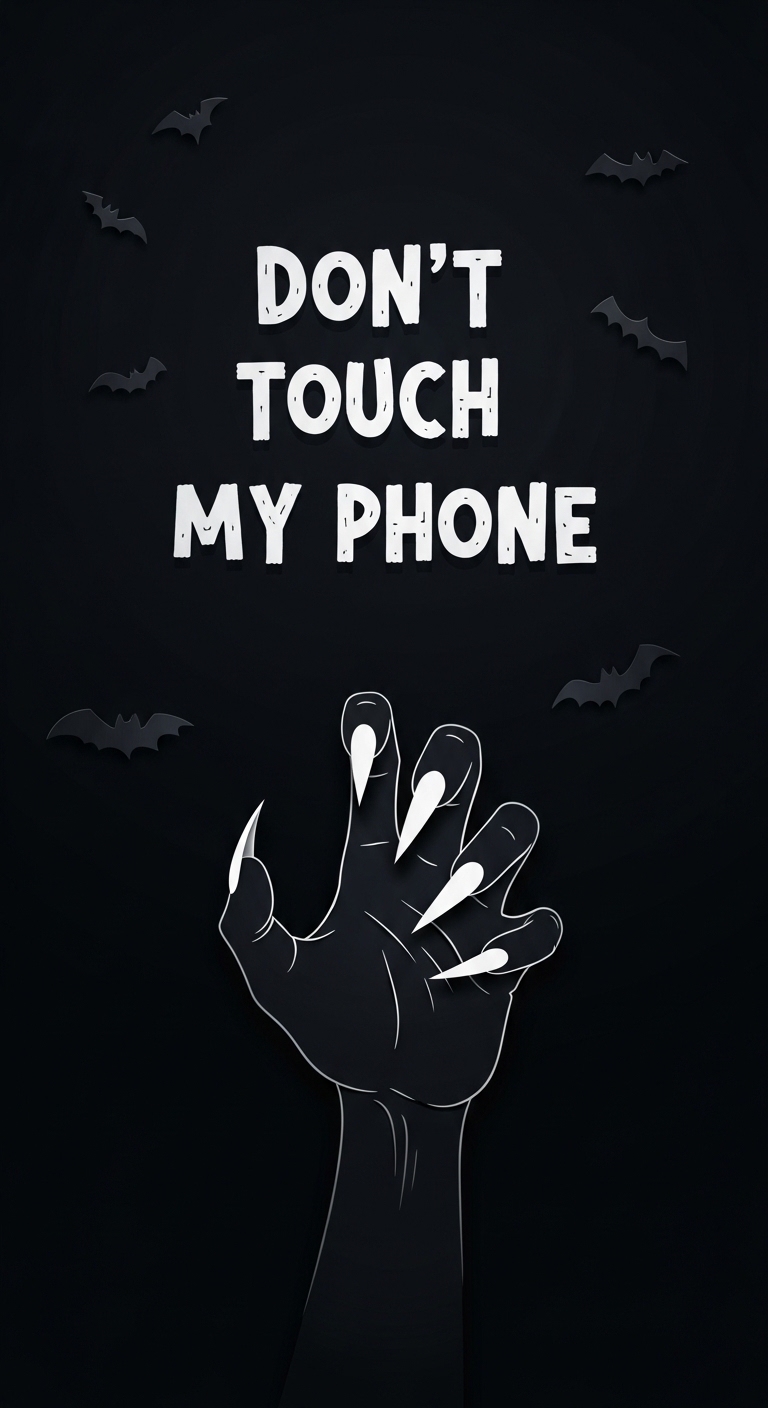
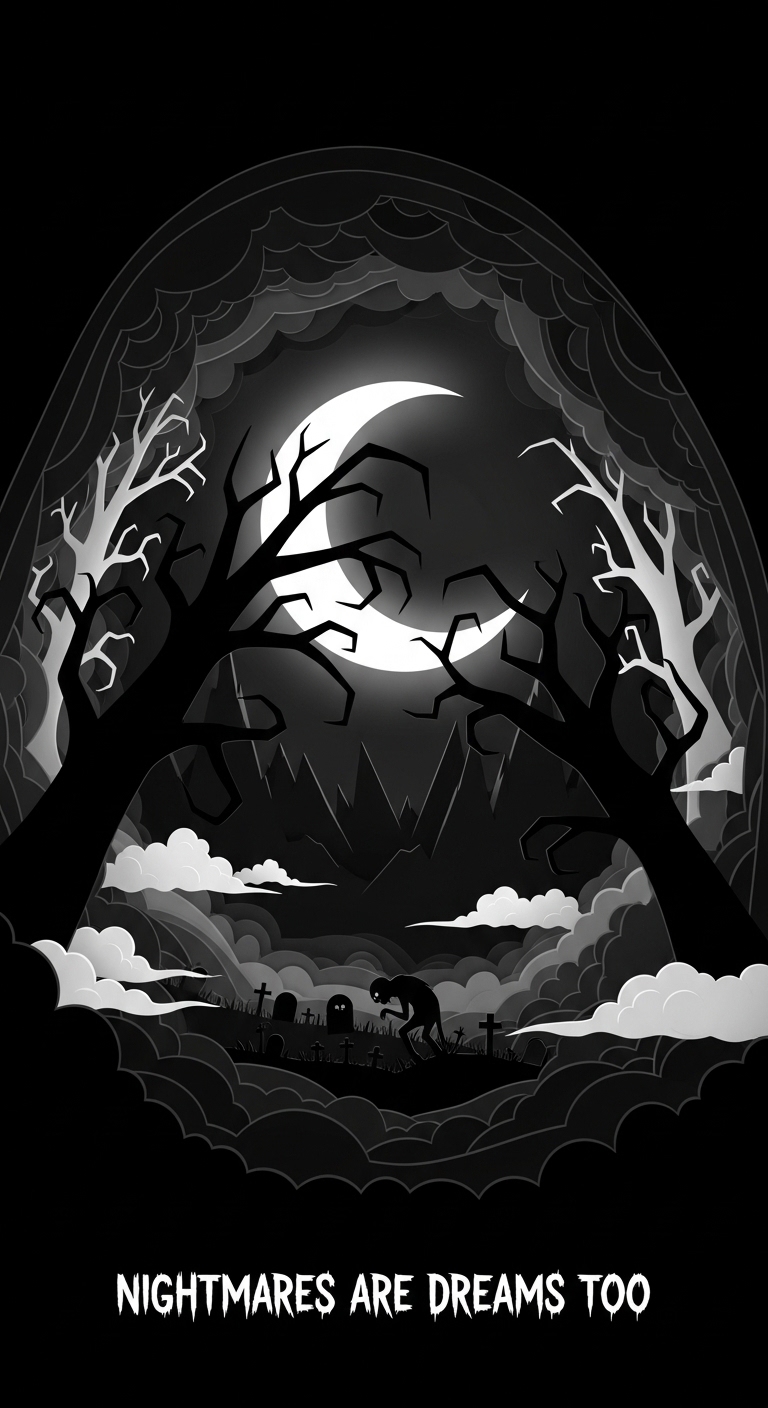
The screen is already awake. You just haven't looked close enough. — Page 13
— 552 wallpapers · page 13 of 23


Android sees what iOS hides. Your notification panel drops down into darkness. Your app drawer slides open like a creaking door. That is difference. On Android, you are not a guest. You are owner.
So own it. Every 4K wallpaper here is tested on OLED, AMOLED, LCD. Black levels crush where they should. Shadows stay deep. No bright borders. No ugly cropping. Just your screen, your rules, and a wallpaper that does not blink.
Set it once. Feel it every time you unlock. That is Android way. That is Haunted Wallpapers.
System Instructions (Android)
01
The Download — Tap and hold the full-size image. Select "Download image" or "Save" to your device storage.
02
The Selection — Open your Gallery or Photos app. Find the downloaded horror file. It waits in the shadows.
03
The Takeover — Tap the "Set as wallpaper" icon (usually three dots). Choose "Home screen", "Lock screen", or "Both". The screen is yours.
New to customizing?
Read our guide →